+91 9500088927 | +91 96001 14466
info@uniqtechnologies.co.in
Students Bazaar

Internship for BSc Mathematics

Internship Program For BSc Mathematics

(Powered by UNIQ Technologies)

Why Choose Us

Discover why thousands of students trust UNIQ Technologies for industry-leading training, guaranteed placement assistance, and round-the-clock support.

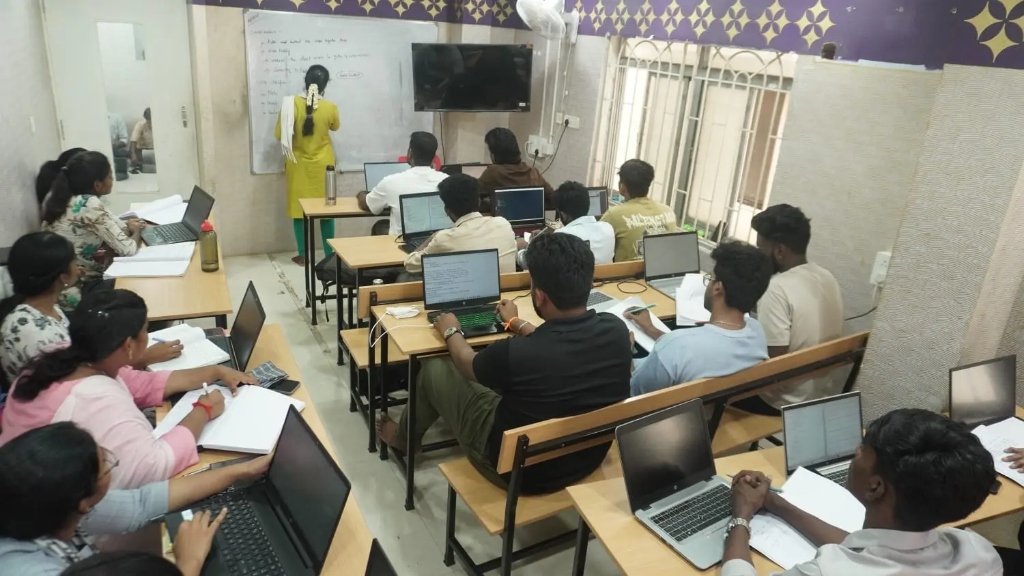
Excellent Training

Excellent Training

Gain practical, industry-focused training designed to strengthen your technical skills and boost your confidence. Our hands-on learning approach prepares you to excel in real-world challenges and achieve your career goals.

Excellent Training
Placement Assistance

Placement Assistance

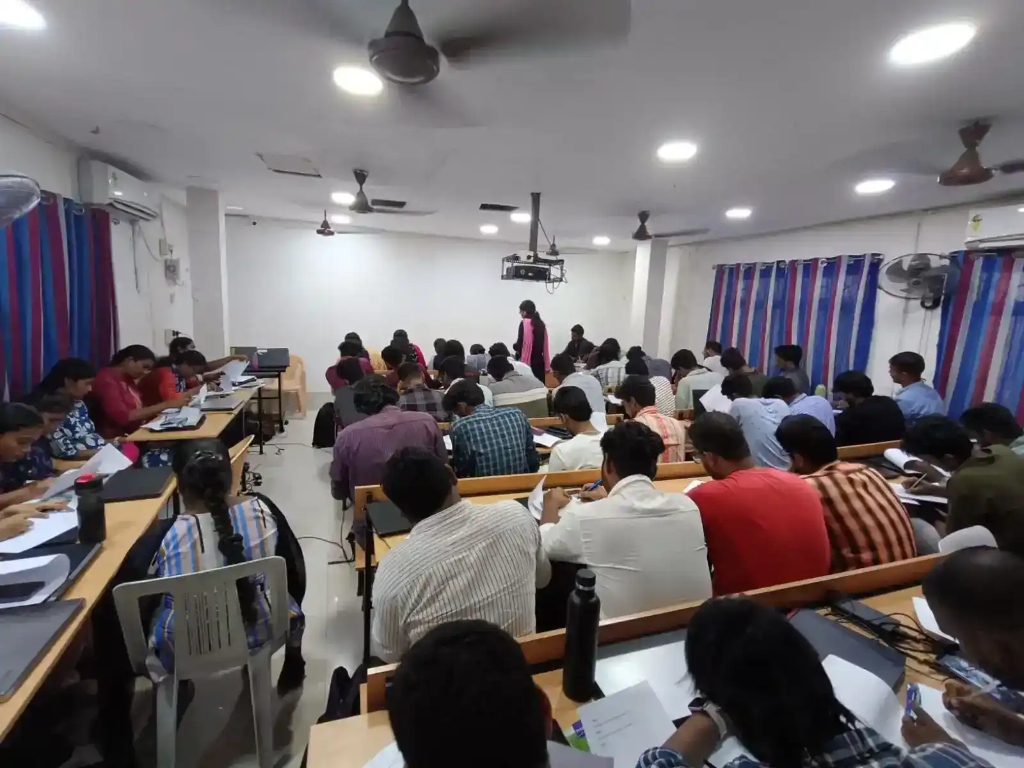
Unlock exciting career opportunities with our dedicated placement assistance. From skill enhancement and interview preparation to career guidance, we help you stand out from the competition and connect with the right employers.

Placement Assistance

24/7 Support

24/7 Support

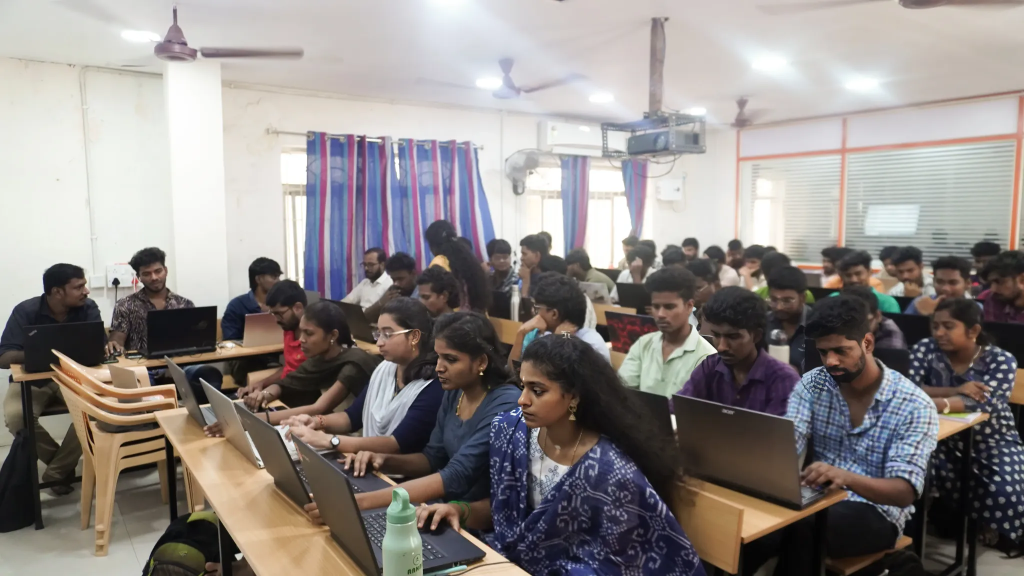
We are available to help you 24/7 on all queries and assistance on IPT, Internship and projects for your convenience. Get instant doubt clarification and constant mentorship from active industry professionals anytime you need.

24/7 Support

BSc Mathematics Internship Program

Day -1

  • Software Installation
  • About Tools

1. INTRODUCTION TO MATLAB (Day -2,3 & 4)

  • M-file
  • Windows and Prompt
  • Variables and Assignment Statements
  • Constants
  • MATLAB as Calculator
  • Matrix Types
  • Addition of Matrix, Matrix Multiplication
  • Inverse & Transpose Matrix
  • Eigen Values & Eigen Vectors
  • Determinants
  • Factorial

2. LINEAR EQUATIONS ( Day – 5, 6, 7 & 8)

  • Control statements in Matlab
  • Gauss -Jorden Elimination Algorithm
  • Area , Centroid Calculation
  • Square System
  • Plotting Function
  • Taylor Series
  • Logarithms

3. DIFFERENTIAL EQUATIONS ( Day – 8,9, 10 & 11 )

  • Polynomial Equation
  • Differential Equation
  • Probability Distributions
  • Transformations (Fourier, cosine, wavelet)
  • Integration
  • Random sequence

4. DISPLAYING AND EXPLORING IMAGES( Day – 12 & 13)

  • Importing and displaying images
  • Converting between image types
  • Image Arithmetic
  • Mathematical calculation using Matlab

5. IMAGE ENHANCEMENT ( Day – 14 & 15)

  • Contrast Adjustment
  • Histogram Equalization

6. IMAGE FILTERING ( Day – 16 )

  • Morphological Filtering
  • Blurring / Deblurring
  • Adding Noise to an Image

7. ANALYZING IMAGE ( Day – 17, 18 & 19)

  • Edge-Detection Algorithms
  • Region and Image Properties
  • Segmentation
  • Morphological Operators
  • Object Counting

8. BUILDING GUI-GUIDE WITH TOOL (Day – 20, 21 & 22)

  • Push Button
  • Axes
  • GUI – Plotting
  • GUIDE Application

9. PROJECT WORK ( Day – 23 & 24)

Register With Us

( Powered by UNIQ Technologies )

Join us for a Successful Endeavour

( Powered by UNIQ Technologies )